
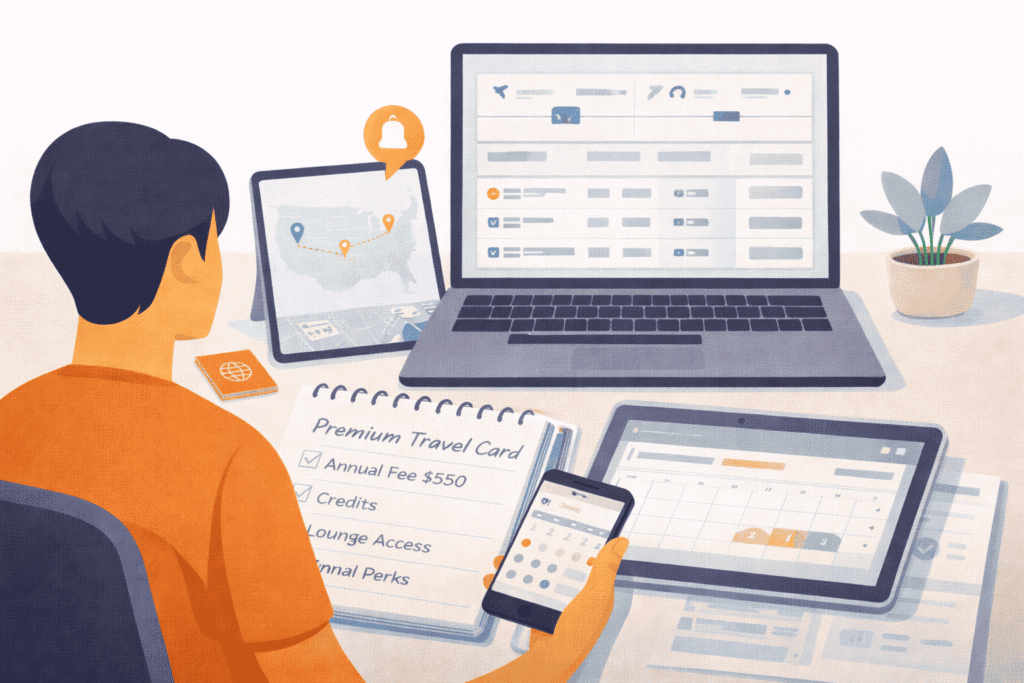
The best travel planning tools depend on the job: finding flights, tracking prices, organizing confirmations, building a map, collaborating with other travelers, or handling disruptions during the trip. For route discovery, learn how to use FlightConnections. For points bookings, compare the distinct workflows in PointsYeah vs Seats.aero.
The comparison below uses practical criteria: official feature set, pricing information where published, platforms, import options, collaboration, offline access, export options, privacy signals, and the main limitation.
Quick Answer
- Best for: travelers choosing tools for flight search, price tracking, itinerary organization, maps, collaboration, or travel-day alerts.
- Worth it when: each tool solves a distinct planning problem instead of duplicating another app.
- Not worth it when: you add apps you do not need or grant more email, calendar, or account access than the job requires.
- What you need: a clear idea of whether your main problem is finding flights, organizing reservations, building an itinerary, collaborating, or monitoring disruptions.
- Biggest gotcha: no single travel planning tool is best at every job, and some advanced features require paid plans or broader account access.
- Next step: choose the primary tool for your biggest planning need, then add another only when it solves a different problem.
Tool comparison by job
| Tool | Best for | Free / paid signal | Strength | Main limitation |
|---|---|---|---|---|
| Google Flights | Searching routes, dates, airports, and price tracking. | Free with Google account features for tracking. | Strong date and airport comparison; official help explains price tracking. | Not a full itinerary manager or booking agent. |
| TripIt | Turning confirmations into a central itinerary. | Free product available; Pro adds more disruption and tracking features. | Forward confirmations to plans@tripit.com and keep plans across devices. | Best features require account access and some Pro tools. |
| Wanderlog | Maps, collaborative itineraries, road trips, and shared planning. | Free tier plus Pro plan listed at $39.99/year. | Live collaboration, map plus itinerary, reservation import, and route optimization on Pro. | Advanced offline/export/route tools are paid. |
| Flighty | Flight alerts and disruption awareness. | Free tier plus Pro pricing listed at $59.99/year or other options. | Strong push alerts, live activities, inbound-aircraft and delay tools. | Focused on flights, not whole-trip planning. |
Google’s price tracking help explains route and flight tracking. TripIt’s free product page describes forwarding confirmations and itinerary access. Wanderlog’s Pro page lists offline access, route optimization, Google Maps export, and pricing. Flighty’s pricing page lists free, weekly, annual, and lifetime options.
How to choose
| If your problem is… | Start with | Why |
|---|---|---|
| Finding the cheaper flight | Google Flights | You need flexible dates, nearby airports, stops, bags, and price tracking before itinerary management. |
| Keeping confirmations organized | TripIt | Forwarded reservations and calendar-style organization matter more than map planning. |
| Planning a group itinerary | Wanderlog | Collaboration, maps, places, and shared lists are the core workflow. |
| Monitoring flights on travel day | Flighty | Real-time alerting and inbound-aircraft context matter more than planning notes. |
Privacy and account access
Any tool that imports confirmations, scans email, syncs calendars, or shares trips requires trust. Use the minimum connection that solves the problem. Forwarding individual confirmations can be cleaner than granting full inbox access if you do not need automatic scanning.
A simple stack for a complex trip
For a two-week Europe trip, you might use Google Flights to compare flights, Wanderlog for the map and day-by-day plan, TripIt for confirmations, and Flighty only during travel days. That is not four tools for the sake of complexity; each tool owns a different risk.
For planning workflow, connect this with Google Flights tips, trip planning checklist, and best time to book flights.
Criteria used here
| Criterion | Why it matters |
|---|---|
| Official feature set | Prevents recommending tools based on outdated third-party summaries. |
| Free versus paid boundary | A tool can be excellent but poor value if the needed feature is locked behind a plan. |
| Import method | Forwarding confirmations, inbox sync, calendar sync, and manual entry have different privacy trade-offs. |
| Offline access | Useful for road trips, international roaming, and airport disruptions. |
| Collaboration | Necessary when several travelers are editing the same plan. |
| Export options | Helpful when you need maps, PDFs, calendars, or backup copies. |
Recommended stacks
For a simple solo trip, Google Flights plus a calendar may be enough. For a family trip, TripIt or Wanderlog can keep confirmations and day plans easier to share. For a road trip, Wanderlog’s route and map workflow is more relevant than a flight-alert app. For a disruption-prone trip with tight connections, Flighty can be worth using only on travel days.
The goal is not to collect apps. The goal is to reduce one kind of planning risk at a time: price risk before booking, organization risk after booking, map risk during planning, and disruption risk during travel.
FAQ
Do I need a paid travel planning app?
Not for every trip. Pay when offline access, export, collaboration, alerts, or automation saves enough time or risk to justify the cost.
Is one app enough?
Usually no for complicated travel. Flight search, maps, itinerary management, and disruption alerts are different jobs.
Should I connect my email?
Only if the automation is worth the access. If not, forward confirmations manually or use calendar imports instead.
Conclusion
Choose travel planning tools by task, not hype. Use the lightest stack that covers search, itinerary organization, maps, collaboration, documents, and travel-day alerts.
Last updated: August 11, 2026. App features, pricing, imports, offline access, and privacy options can change; verify the current official pages before subscribing.